 English
 The free products that I tried would not open the resources I was interested in. Plus, the UI is super
easy to use. No muss, no fuss, no Visual Studio to crash my box. Keep up the good work!
The free products that I tried would not open the resources I was interested in. Plus, the UI is super
easy to use. No muss, no fuss, no Visual Studio to crash my box. Keep up the good work! 

Resource Tuner Screenshots
Resource Browser
The navigation sidebar allows you to switch between the Resource Viewer and the File's Resource Scanner.
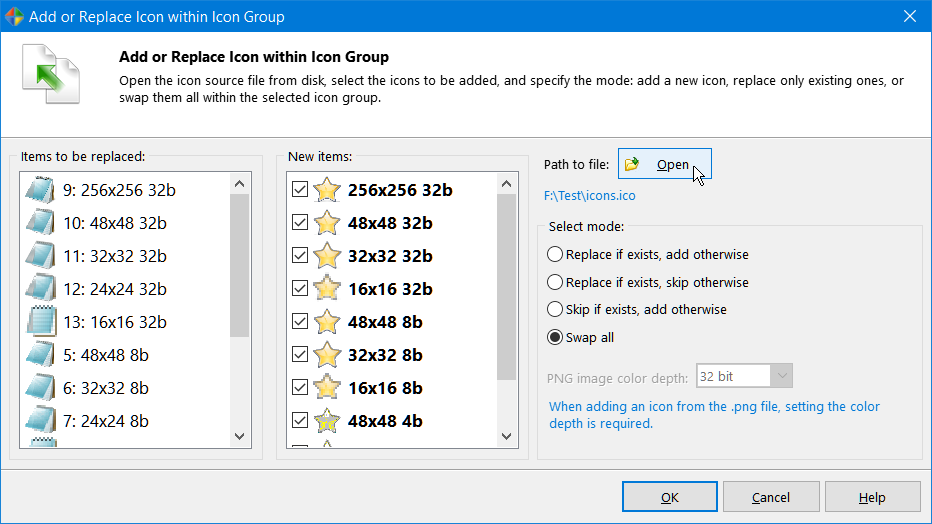
From the toolbar you can quickly save your changes, save or delete/restore a selected resource, copy a selected resource to the clipboard, insert an application manifest into the resource section, search through the resource tree (useful for searching RCData content), and see properties of a selected resource (Language ID, Type, Raw size, etc). Resource Tuner supports viewing and replacing large (256x256) icons stored in PNG format.
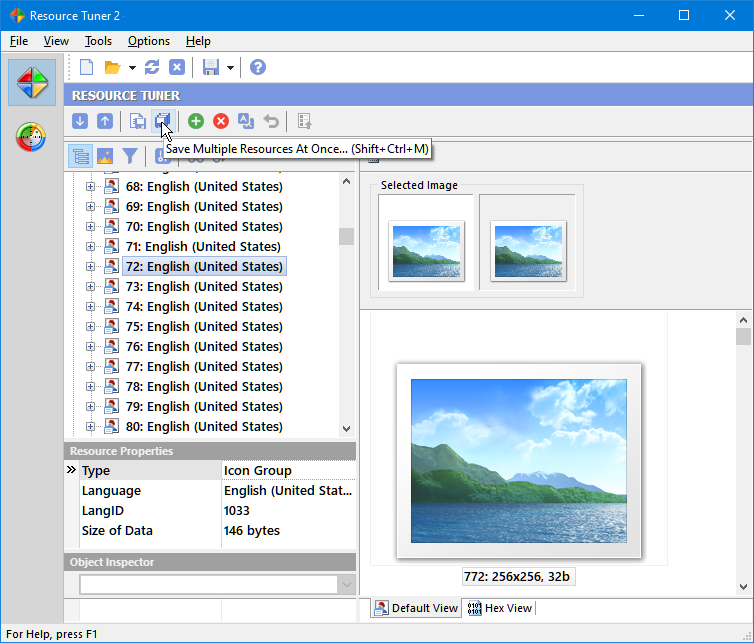
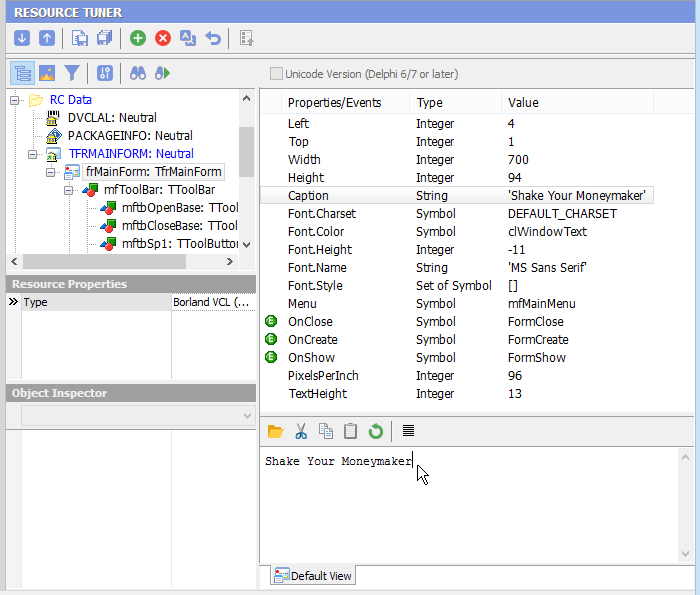
Navigate easily through the Delphi forms, RCData, and objects, and view their contents (Image Lists, Strings List, Glyphs, Bitmaps). There's a very strong emphasis on peeking inside Delphi applications and packages.
Log Pane
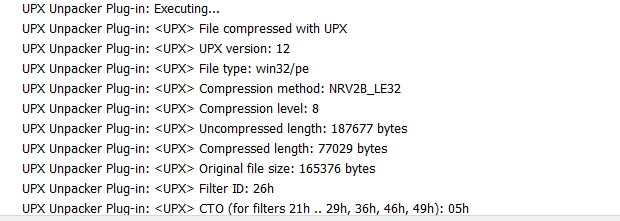
The Log pane displays all the events and operations, event timestamps, and information about the headers of the file. When you open a file with Resource Tuner, the UPX Unpacker detects whether it is packed with UPX, and if so, this file will be unpacked automatically.
Resource Editor
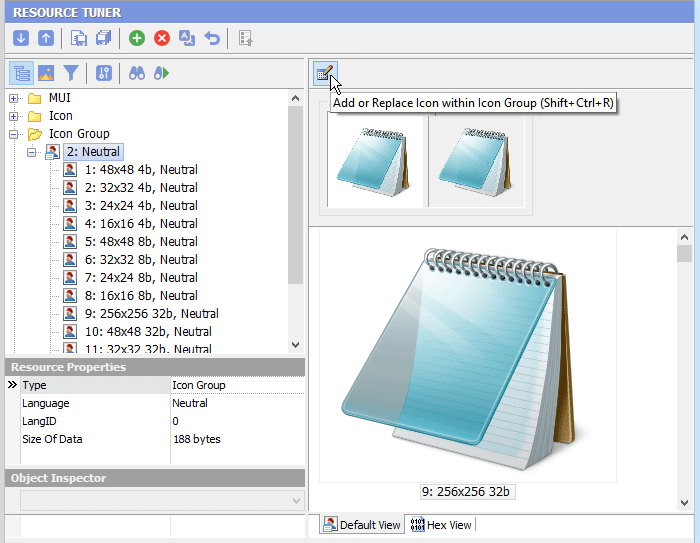
Resource Tuner is an ideal choice for modifying icons in Windows executable files, whether it's the exe file's icon or the default menu icons.
Resource Tuner automatically starts the appropriate editor mode (Text, Graphics, Dialog, Menu, DFM, Media, or Version Info). That will allow you to view and edit data in the most convenient and intuitive way.
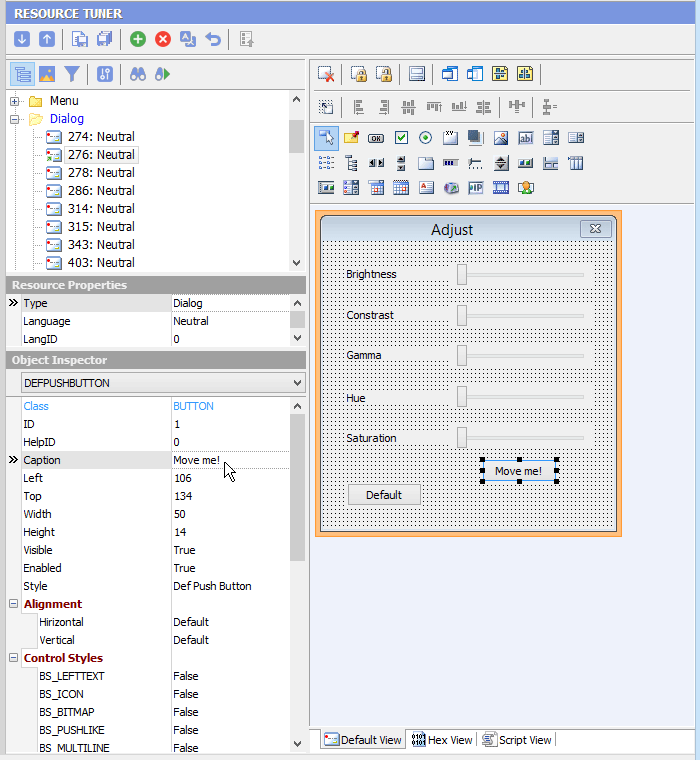
When editing dialogs, you will see a preview of what the dialog box looks like. To see the script behind the dialog box that makes it work, select the Script View tab.
Every field in the VERSIONINFO structure is under your control.

Application Manifest Wizard
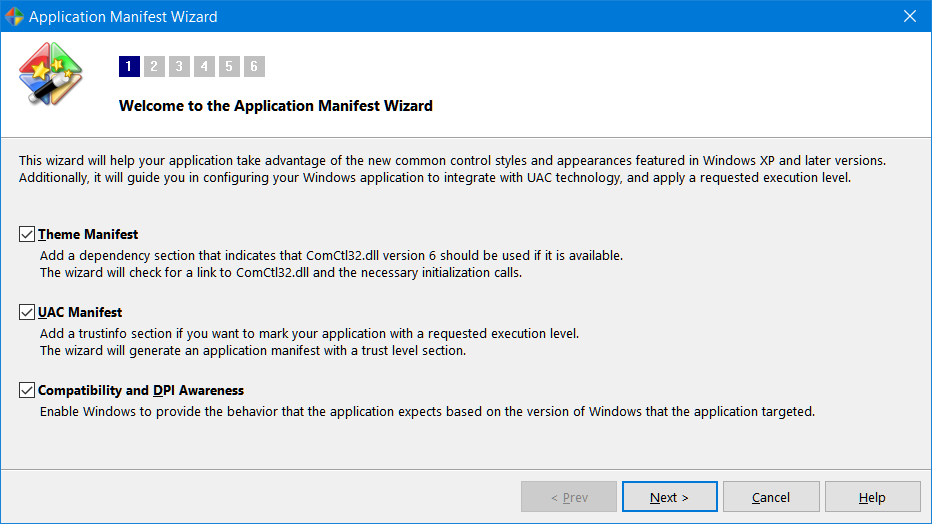
The Manifest Wizard helps you insert an application manifest into the resource section. It also will let you specially configure your pre-Vista application to work with newer Windows versions, and mark it with a requested execution level.
Scan and Extract Resources
The Resource File Scanner is an easy way to scan the directories and drives on your computer and extract all it finds inside the executable files in any directory of your choice.
To initiate scanning, first specify the search locations by clicking the Scanner Settings  button or using Ctrl+F. Once configured, start scanning by clicking the Start Scan button
  or pressing F9.
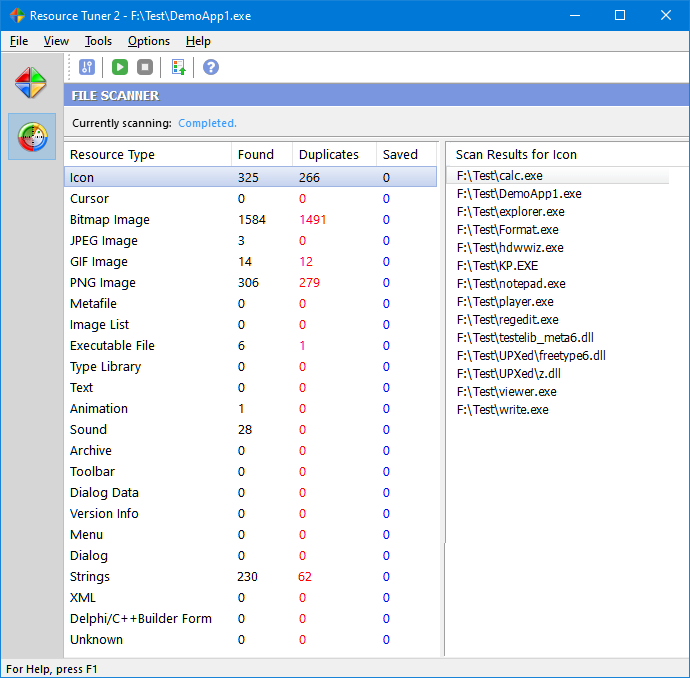
You selectively choose what items stored in the resources will appear in the search result view. A wizard-based process guides you through several filter options and other properties, with the result then shown in categories, and the option to load them in the Resource Editor.
Customization Options
Selecting the Settings command from the Tools menu will display the Settings dialog. This displays a dialog box having three tabs, where you can customize the general, view, and logging settings. Clicking on any tab will show the page of choices connected to that tab.

Start Tuning Your Applications Now!
 Give Resource Tuner a trial run for 30 days free! Once you try it, we think you will find it hard to go back to other resource hacking utilities. For maximum editing and inspecting power, purchase a Personal license now for $49.95. The Business license is available for $89.95.