 English
 I searched google.com for a Resource Viewer and you were right in the top of the list. I played with your trial version for only a few minutes and I was hooked! It's even more than I was looking for and I'm happy to add it to my arsenal of tools. I hope you keep on doing active development for the tool!
home  products resource tuner feature tour
Resource Viewer
View and save resources of EXE, OCX, DLL, MUN, and many other executable file types.
Resource Tuner offers a thorough look at all of the resources in the Windows 32-bit executable file (a variety of file types ranging from the common, such as EXE and DLL, to the less familiar types, such as MUN and CPL files), and allows you to view, modify, delete, and extract bitmaps, jpeg, png, icons, strings, Image Lists, and many others.  See the list of the resource types supported
Want to muck with the look and feel of a dialog box in your favorite application? Want to "borrow" an icon that you especially like? Resource Tuner can perform either task equally well.
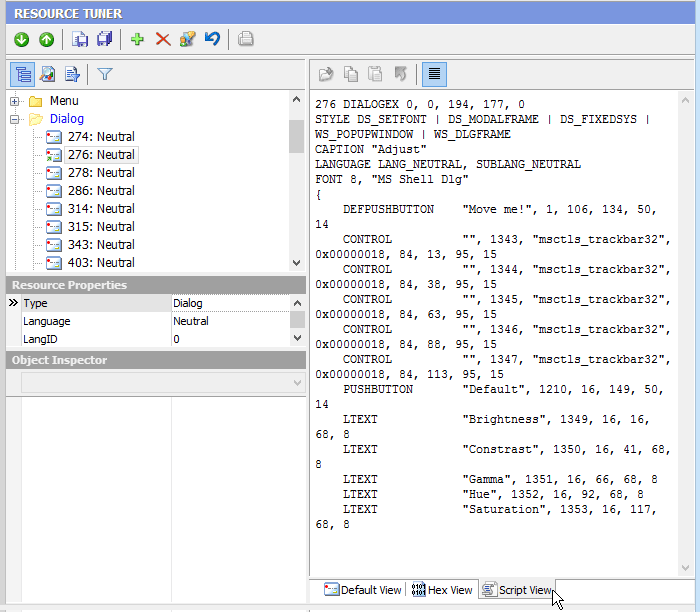
When you open a file for browsing or editing resources, Resource Tuner shows you a directory-like structure of the embedded resources, such as images, sounds, dialogs, menus, XML data, HTML data, and toolbars. This resource tree can be expanded or collapsed by right-clicking on the chosen resource type and selecting an action from the popup menu.
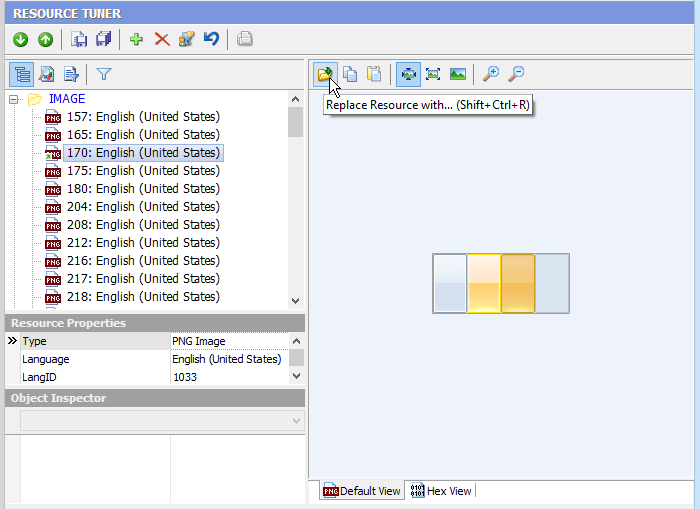
A selected resource will be displayed either as a graphic image, text, or raw binary data. Clicking on the View tab will show the data connected to that tab.
The VersionInfo resource contains special information about the file, such as version number, intended operating system, company name, language code page, and original file name. This information is displayed on the version tab of the property sheet dialog displayed by selecting the "Properties" item from the right mouse button context menu in Windows File Explorer.

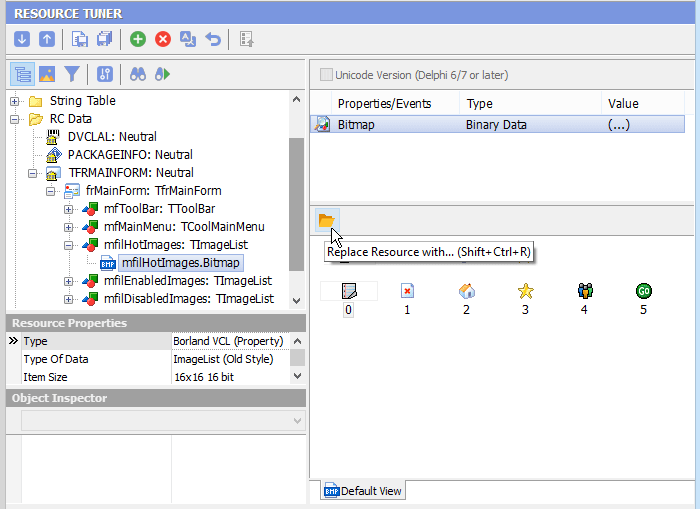
Programs compiled using Delphi and C++ Builder do not commonly have menu, dialog, or accelerator resources, but store this information in the resource type named RCData or the Application-defined resource (raw data), which holds the information that were in the DFM (Delphi Form Module) file before the compilation.
In the case of Delphi/C++ Builder, if RCData contains DFM forms, all the found objects with all assigned properties and events will be displayed in a hierarchical tree. You can navigate easily through the objects and save their contents (Image Lists, Strings List, Glyphs, Bitmaps, etc.). PackageInfo shows all units used during compiling an executable. DVCLAL (Delphi Visual Component Library Access License) shows the compiler version for Embarcadero products.
Start Tuning Your Applications Now!
 Give Resource Tuner a trial run for 30 days free! Once you try it, we think you will find it hard to go back to other resource hacking utilities. For maximum editing and inspecting power, purchase a Personal license now for $49.95. The Business license is available for $89.95.