 English
 The free products that I tried would not open the resources I was interested in. Plus, the UI is super easy to use. No muss, no fuss, no Visual studio to crash my box. Keep up the good work.

home  products resource tuner feature tour
Visual Resource Editor
Add, edit and replace existing resources in your EXE or DLL files.
Resource Tuner lets you open Windows executable files such as .EXE, .DLL, Device Drivers (.SYS), ActiveX .OCX Controls, and several others. Once inside, you can change the look of the icons, cursors, dialogs, buttons, strings, sounds, animations and other elements of the Windows user interface by editing and replacing resources in the executable files.
Not all of those resources support direct editing, but for most you can replace and edit them. This would allow you, for instance, to add your own custom branding to an application, change dialog messages, customize toolbar actions, and so on without having access to the actual source code.
Support is provided for nearly every type of resources imaginable. Now you can read, view and replace large (256x256) PNG compressed Vista icons:
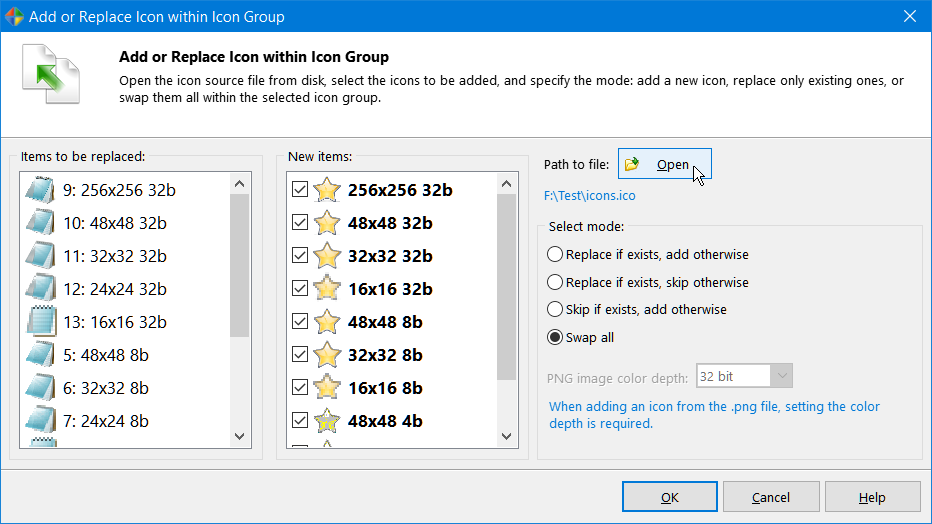
All changes made to resources can be watched on the screen and, if you are not satisfied with the result, you can return to the previous state. Any change you make can be restored prior to quitting the editor. You also have an option to create a backup copy of the target file (enabled by default). So by no means you can overwrite any important files.
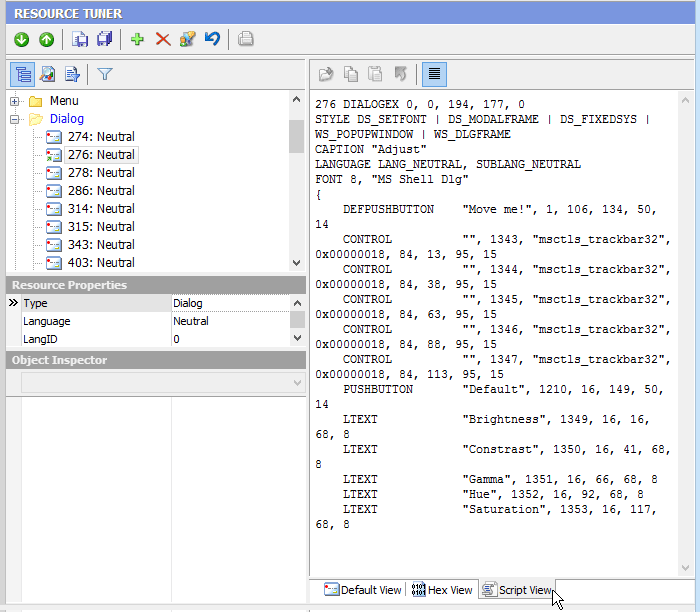
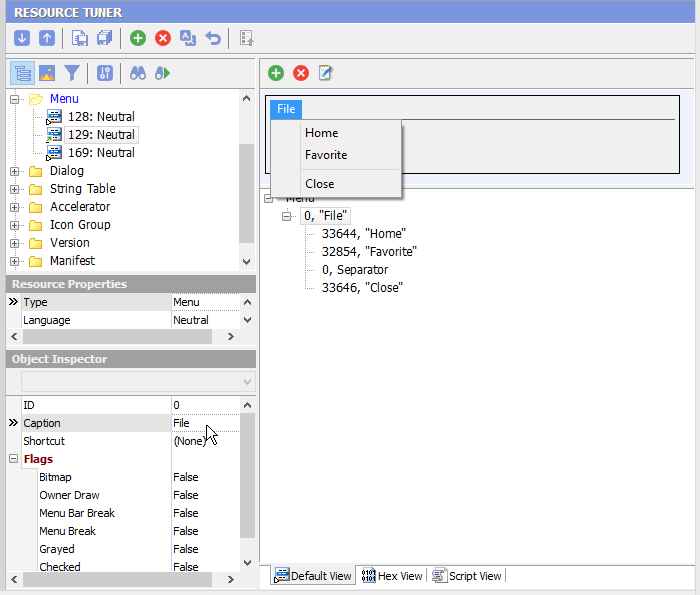
Depending on the resource type, Resource Tuner automatically starts the appropriate editor mode: Graphics, Media, Dialog, Menu, Accelerators, Version Information, Delphi Form (DFM), or Text. The dialog boxes, available options, and menu commands also varies depending on the resource type.
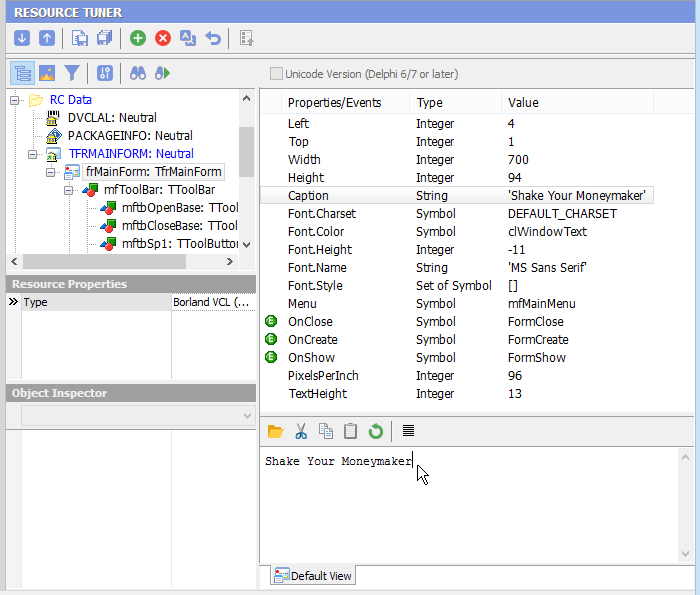
Resource Tuner allows you to edit the properties of controls on Delphi forms within the PE file. Because Resource Tuner has itself been written using Delphi, there's a very strong emphasis on peeking inside Delphi applications and packages.
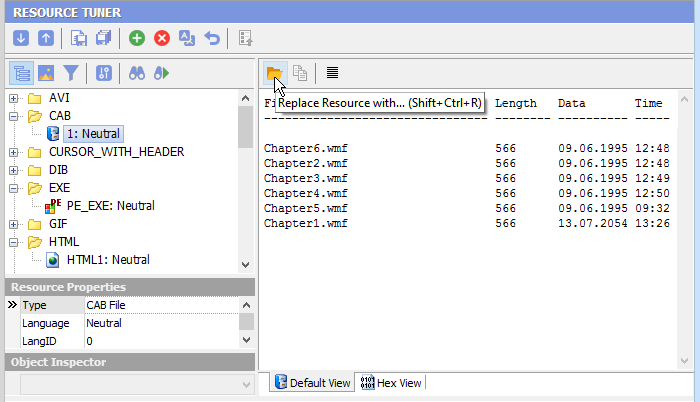
If an editor mode is not available (for example, for a user-defined custom resource), Resource Tuner allows you to replace it anyway.
A command-line version of the resource editor is also available.

Start Tuning Your Applications Now!
 Give Resource Tuner a trial run for 30 days free! Once you try it, we think you will find it hard to go back to other resource hacking utilities. For maximum editing and inspecting power, purchase a Personal license now for $49.95. The Business license is available for $89.95.